
 X / Twitter
 Facebook
 LinkedIn
 Reddit
About Photopea
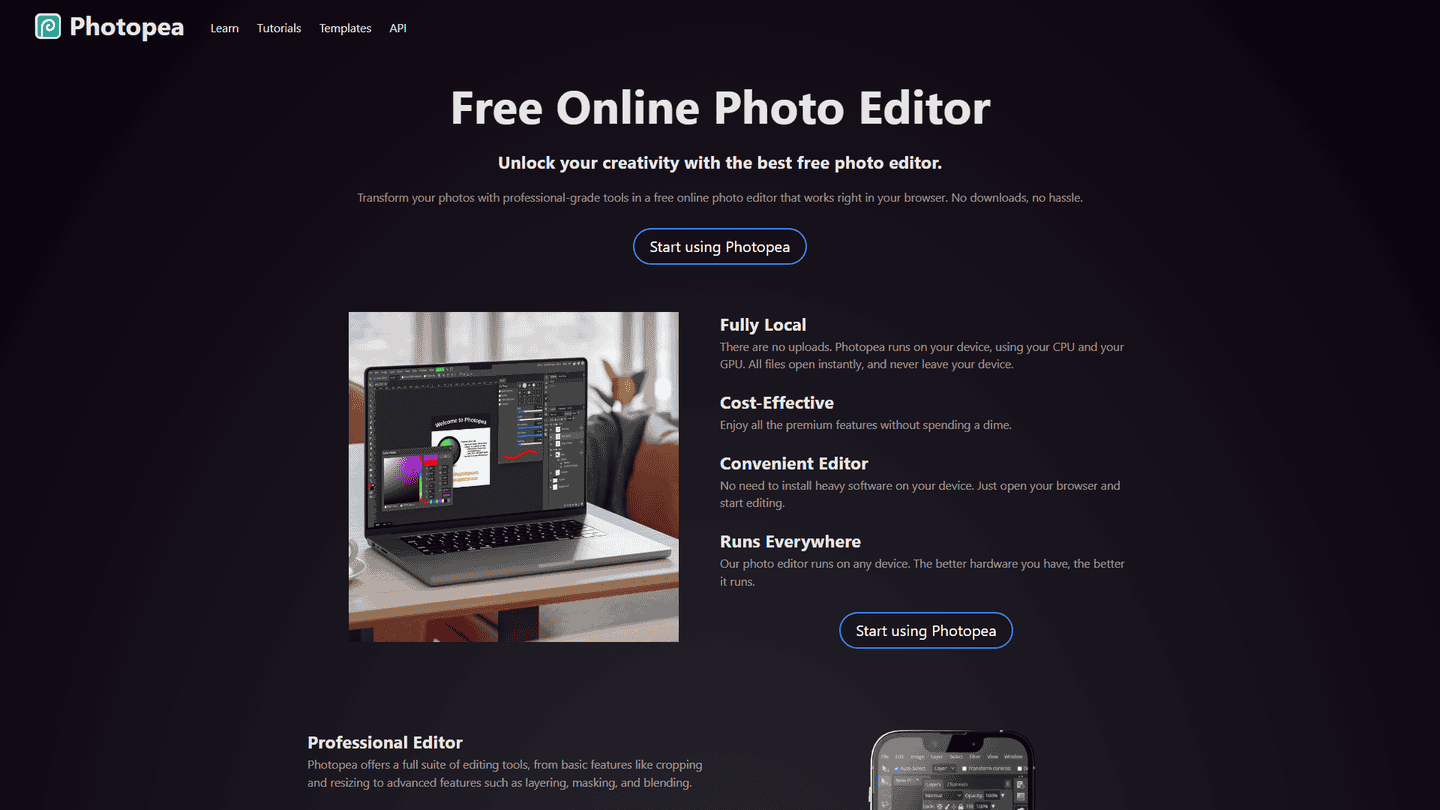
Photopea is a powerful, free online image editor that rivals desktop applications like Photoshop. It boasts a comprehensive suite of tools for image manipulation, including layers, masks, filters, and advanced selections. Users can work with various image formats, including PSD, XCF, and RAW files, making it a versatile option for both casual users and professionals. Its browser-based nature eliminates the need for downloads or installations, allowing for seamless access from any device with an internet connection. Photopea's interface is intuitive and closely resembles Adobe Photoshop, making the transition easy for users familiar with that software. Key features include non-destructive editing, support for vector graphics, and a wide array of adjustment layers. It's particularly useful for tasks such as photo retouching, graphic design, web design, and image manipulation for social media. The target audience is broad, encompassing students, hobbyists, graphic designers, and anyone needing a robust, free image editing solution. Photopea's unique selling proposition is its combination of comprehensive functionality, free accessibility, and browser-based convenience. It operates by leveraging client-side processing, meaning the heavy lifting is done within the user's browser, ensuring a responsive and efficient experience. While lacking some highly specialized features found in premium software, Photopea's extensive capabilities make it a compelling alternative for many users.
Pros
- Free to use
- Browser-based accessibility
- Extensive feature set
- Intuitive interface
- Supports various image formats
- Similar to Photoshop
Cons
- Some features may be less powerful than desktop alternatives
- Reliance on internet connection
- Limited customer support
Common Questions
What is Photopea and what is its primary function?
Photopea is a free online photo editor that allows you to generate photos with AI and perform various image editing tasks. Its main purpose is to provide a powerful, browser-based alternative to desktop image editing software.
What are some of Photopea's key features?
Photopea offers a comprehensive suite of tools including layers, masks, filters, advanced selections, and support for various image formats like PSD, XCF, and RAW files. It also allows for non-destructive editing and supports vector graphics.
What kind of tasks can I perform with Photopea?
Photopea is suitable for photo editing, graphic design, web design, image manipulation, photo retouching, and vector graphics editing. It's designed to handle a wide range of image-related tasks.
Who is Photopea designed for?
Photopea targets a broad audience including students, hobbyists, graphic designers, and anyone needing a robust, free image editing solution. Its intuitive interface makes it accessible to users of varying skill levels.
What are the advantages of using Photopea?
Photopea is free to use, accessible from any browser, boasts an extensive feature set, has an intuitive interface, supports various image formats, and offers functionality similar to Photoshop.
What are some limitations of Photopea?
While powerful, some features might be less robust than those found in desktop alternatives. It requires an internet connection to function, and it offers limited customer support.
What category does Photopea belong to?
Photopea falls under the image-video-audio category.



