
 X / Twitter
 Facebook
 LinkedIn
 Reddit
About GitHub Models
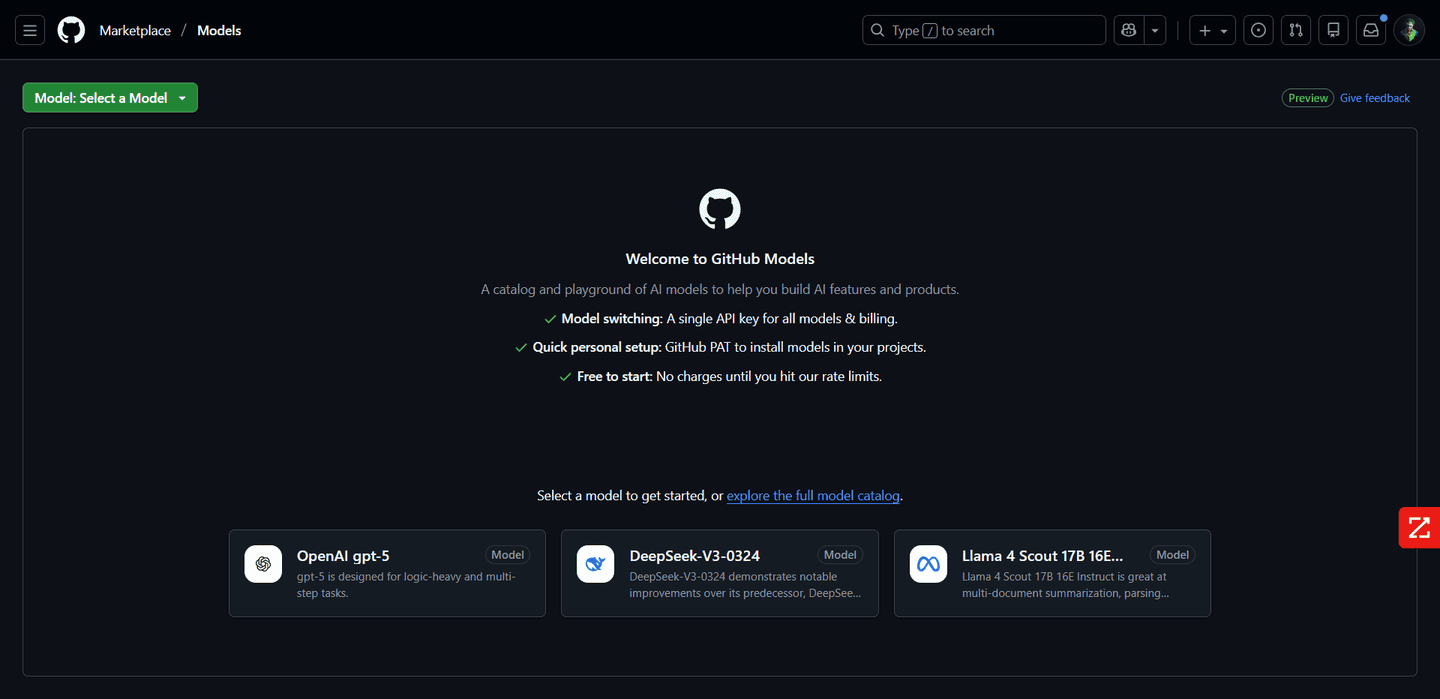
GitHub Models embeds AI model access and management into the GitHub developer experience. With it, users can:
Access a catalog of 40+ popular models from providers like OpenAI, Meta, Microsoft, Cohere, etc.
Use a playground to explore models, test prompts, and adjust parameters in real time.
Version and collaborate on prompts like code, tracking changes and using pull requests for prompt improvements.
Run structured evaluations of outputs based on relevance, similarity, or custom metrics.
Integrate models into development workflows via CLI, IDE extensions (e.g., VS Code), GitHub Actions, and the REST API.
Scale from experimentation to production, optionally using paid billing or custom provider API keys (BYOK)
GitHub Models is designed to lower the barrier for developers to implement and evaluate generative AI features without leaving the GitHub ecosystem. It provides a centralized model catalog where users can experiment with different models, manage prompts under version control, and run side-by-side comparisons of outputs to choose the best-performing model for their task.
Through built-in prompt tooling and evaluation metrics, teams can collaborate around prompt design the same way they do with code, including pull request workflows, diff previews, and tracking changes over time.
For development teams, GitHub Models also integrates with workflows like GitHub Actions, IDEs via extensions, and CLI tools — bringing AI model inference into CI/CD, code automation, and development tooling. Billing and scaling are managed through GitHub’s unified billing system or by bringing your own API keys from providers such as OpenAI or Azure AI.
Access a catalog of 40+ popular models from providers like OpenAI, Meta, Microsoft, Cohere, etc.
Use a playground to explore models, test prompts, and adjust parameters in real time.
Version and collaborate on prompts like code, tracking changes and using pull requests for prompt improvements.
Run structured evaluations of outputs based on relevance, similarity, or custom metrics.
Integrate models into development workflows via CLI, IDE extensions (e.g., VS Code), GitHub Actions, and the REST API.
Scale from experimentation to production, optionally using paid billing or custom provider API keys (BYOK)
GitHub Models is designed to lower the barrier for developers to implement and evaluate generative AI features without leaving the GitHub ecosystem. It provides a centralized model catalog where users can experiment with different models, manage prompts under version control, and run side-by-side comparisons of outputs to choose the best-performing model for their task.
Through built-in prompt tooling and evaluation metrics, teams can collaborate around prompt design the same way they do with code, including pull request workflows, diff previews, and tracking changes over time.
For development teams, GitHub Models also integrates with workflows like GitHub Actions, IDEs via extensions, and CLI tools — bringing AI model inference into CI/CD, code automation, and development tooling. Billing and scaling are managed through GitHub’s unified billing system or by bringing your own API keys from providers such as OpenAI or Azure AI.
Pros
- Tight integration with GitHub workflows
- Prompt versioning with code-like collaboration
- Side-by-side model evaluation
- Single access point for multiple model providers
- Flexible billing and BYOK support
Cons
- Public preview features may change
- Free usage is rate-limited
- Not all models native to GitHub are open-source
- Require GitHub account and sometimes paid billing for production usage


