X / Twitter
 Facebook
 LinkedIn
 Reddit
About AIImageEditor
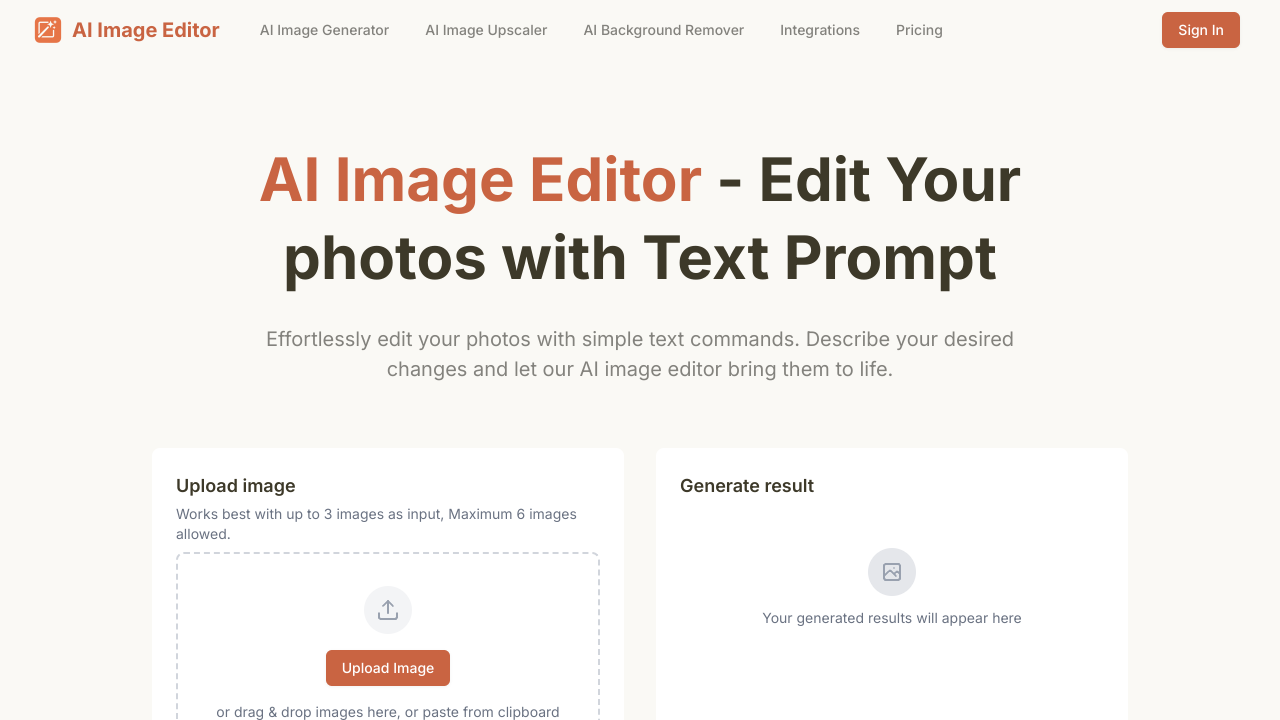
AI Image Editor is a comprehensive online AI-powered image editing tool designed to simplify and enhance photo manipulation for a wide range of users. It leverages advanced artificial intelligence to offer a vast array of editing capabilities, from basic adjustments to sophisticated generative features. Key functionalities include AI-driven background removal, precise object erasure, intelligent image upscaling, and realistic sky replacement, making it an ideal solution for creating professional-looking product photos, refining personal snapshots, or preparing visuals for marketing. Users can also utilize AI to remove common imperfections such as scratches, wrinkles, blemishes, red-eye, and watermarks, or to significantly enhance photo quality through colorization, sharpening, denoising, and lighting adjustments. Beyond corrective editing, the platform provides creative tools like an AI image generator, AI avatar creator, and AI face swapping, catering to digital artists, content creators, and social media enthusiasts. It also includes standard editing features such as cropping, rotating, resizing, format conversion, and compression. The target audience spans from casual users looking to quickly improve personal photos to small businesses, e-commerce vendors, and marketers needing efficient tools for visual content creation without requiring complex software skills. Its intuitive online interface aims to make powerful AI editing accessible to everyone, streamlining workflows for various visual content needs. The tool operates on a freemium model, offering a free tier with daily credits and more extensive paid plans for heavier usage and full feature access.
Pros
- Wide range of AI-powered editing features
- User-friendly online interface
- no software installation required
- Includes both corrective and generative AI tools
- Offers a free tier for basic usage
- Suitable for various use cases from personal to professional
- Supports many common image editing tasks
- Constantly updated with new AI capabilities
Cons
- Free plan has limited daily credits
- No direct email support listed
- only a contact form
- Specific advanced features might require paid plans
- Performance and quality might vary based on image complexity and AI model
- Reliance on an internet connection for all operations
Common Questions
What is AI Image Editor?
AI Image Editor is a comprehensive online AI-powered image editing tool. It allows users to edit photos with simple text prompts, leveraging advanced artificial intelligence to simplify and enhance photo manipulation.
What are the key features of AI Image Editor?
It offers a vast array of editing capabilities, including AI-driven background removal, precise object erasure, intelligent image upscaling, and realistic sky replacement. Users can also utilize AI to remove imperfections like scratches, wrinkles, blemishes, red-eye, and watermarks, or enhance photo quality through colorization and sharpening.
How does AI Image Editor simplify photo editing?
AI Image Editor simplifies photo editing by allowing users to manipulate images with simple text prompts. It leverages advanced artificial intelligence to perform complex tasks, making sophisticated editing accessible to a wide range of users without requiring software installation.
Is AI Image Editor suitable for professional use?
Yes, AI Image Editor is suitable for various use cases, from personal snapshots to professional needs. It's an ideal solution for creating professional-looking product photos, refining personal images, or preparing visuals for marketing, offering both corrective and generative AI tools.
Do I need to install any software to use AI Image Editor?
No, AI Image Editor is an online tool, so no software installation is required. It provides a user-friendly online interface, making it accessible directly through a web browser.
What kind of image imperfections can AI Image Editor fix?
AI Image Editor can remove common imperfections such as scratches, wrinkles, blemishes, red-eye, and watermarks. It can also significantly enhance photo quality through features like colorization, sharpening, and denoising.
What are the operational requirements for AI Image Editor?
AI Image Editor operates as an online tool, requiring an internet connection for all its functionalities. It offers a user-friendly online interface, eliminating the need for any software installation.